
Image Converter.
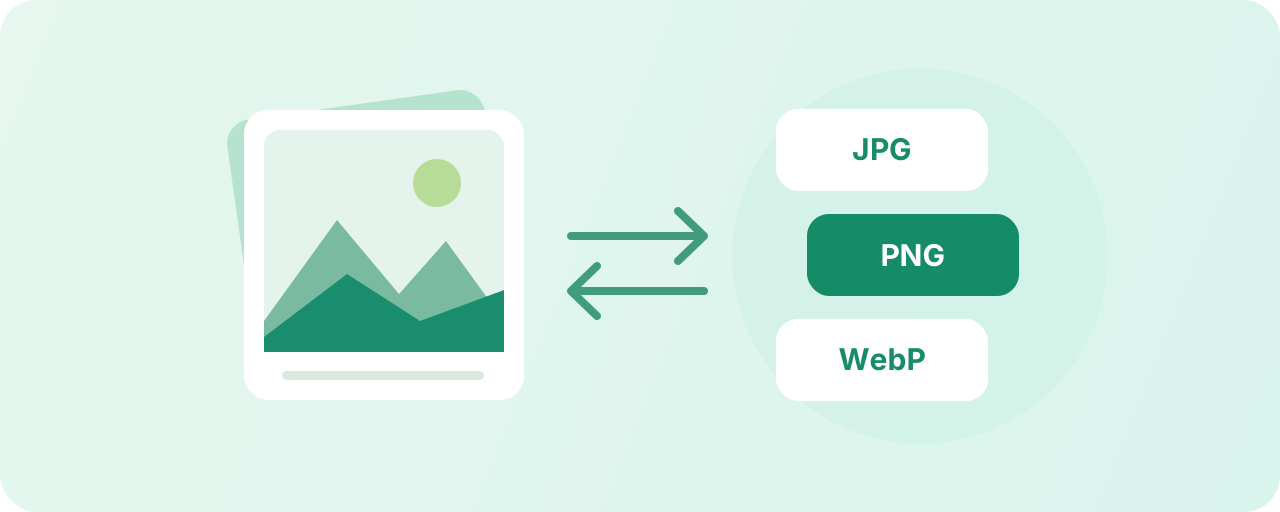
Choose a format, convert a batch of images and download the results.
No image selected
Select an image to get started.
Results
Download ZIPHow to use image format conversion
- Upload one or more images.
- Choose JPG, PNG, or WebP, adjusting image quality as needed.
- Start conversion, preview, then download results.
FAQ
What formats are supported?
Supports JPG, PNG, WebP, and BMP images readable by browsers, outputting JPG, PNG, or WebP.
What happens when converting transparent images to JPG?
JPG does not support transparent backgrounds; conversion will use the selected background color.