
QR generator and reader tested: Chinese text capacity, whitespace and round-trip checks
Eleven synthetic cases test the HotAI QR tool, with downloaded images and decoded outputs showing its text-capacity, whitespace and blank-image behavior.
What to consider
Decode the downloaded image to check what the QR code actually contains. Eleven cases ran in headless Chrome on macOS ARM64: eight generated images decoded successfully; an empty input and 1,500 repetitions of the Chinese character 测 were rejected; a blank image produced no code. In contrast, 1,500 ASCII A characters generated and decoded successfully. A character limit does not imply equal QR capacity for all text. Leading and trailing whitespace is removed, so this tool is unsuitable when that whitespace must be preserved.
Samples and browser environment
Testing took place on October 21, 2026, in a local preview of the same HotAI tools. Processing code was unchanged by this content update. Chrome 155.0.8059.85 ran at a 1,280-pixel viewport width. Codex automated the operations using synthetic text and images, without private files or business QR codes.
For each successful case, the PNG was downloaded through the page, uploaded in reader mode and compared character by character. URLs use example.com; Chinese text and emoji are synthetic inputs. These results cover this desktop sample only, without measuring phone-camera scanning, printed codes or damaged-code accuracy.
Decode the downloaded URL and Chinese-text images
The same URL with query parameters was generated at 256, 512 and 1,024 pixels, and all three decoded with their full parameters. Chinese text with a line break and mixed Chinese, English and emoji also decoded. The test used the original PNG downloads without messenger compression or border cropping.
A long URL containing a repeated synthetic segment totaled 1,423 characters and decoded identically at 1,024 pixels. This does not establish that every equally long input works at smaller sizes or can be scanned at a distance by a phone. Scan the final image you intend to publish.
Equal character counts can require different QR capacity
The input field accepts at most 1,500 characters. In testing, 1,500 ASCII A characters generated and decoded, while 1,500 Chinese 测 characters produced a capacity error with no downloadable result. Their encoding requirements differ, so the field limit does not guarantee that every language fits.
Leading and trailing whitespace also changes the payload. HotAI.news surrounded by two spaces on each side decoded without those spaces because the current generator calls trim first. Check this behavior before encoding records that require exact character preservation.
| Sample | Observed result |
|---|---|
| URL at three output sizes | All decoded identically |
| Chinese line break and mixed-language emoji | Both preserved the entered payload |
| Synthetic 1,423-character URL | Decoded identically at 1,024 pixels |
| 1,500 A characters / 1,500 测 characters | ASCII succeeded; Chinese exceeded capacity |
| Text with surrounding spaces | Surrounding spaces were removed |
| Empty input / blank image | Prompted for content / reported no QR code |
Generate and verify as one workflow
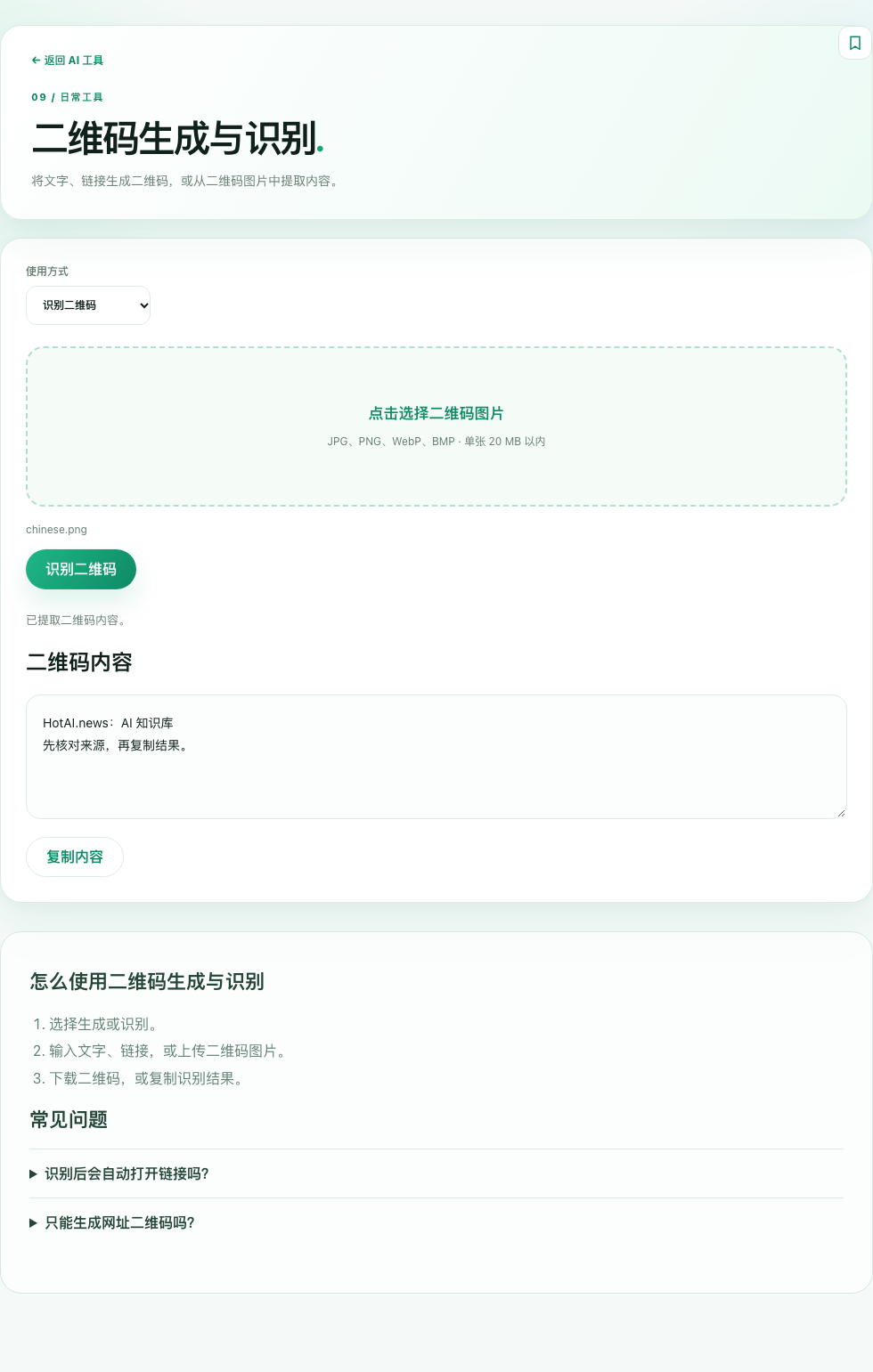
Enter the text or URL, download the image, switch to reader mode and upload that file. Check the domain, path and any query parameters in the result. Reader mode displays the payload without automatically opening its destination; use it only after checking that destination.
The implementation uses QR encoding and reading libraries in the browser. This test did not cover every image format, rotation or network condition. Reading with the same tool is not independent scanner certification. The public result file includes each input, output and image checksum for reproduction.
Checked sources
The following sources support the project descriptions and reported facts. The analysis is by the site editors; claims from these sources are not presented as results from our own tests.