01 / Image Processing

Image Upscaler
Upscale images by 2x or 4x for clearer details; download directly after processing.
2x / 4xNo login requiredDownload result
 hotai.news
AI news, Chinese and English discussions, new GitHub projects and real experience —
find the signals and opportunities worth following.
Follow the latest developments, discover open-source projects, and find explanations and practical tools.
Newly collected news will appear here.
Every hot post should return to the original thread to verify the author, time, and visible interactions. Today's morning briefing has not yet been integrated; the page displays its status accurately.
Explore AI DiscussionsUsing yesterday's star increase as the core, distinguish between new warehouses, explosive growth, and sustained strength.
Read the context, approach and results of a project to see if it fits you.
Choose a learning path for your task, then explore concepts, tool comparisons and tests.
The latest AI news, ordered by when it was collected. Original publication times and summaries are included when available.
Explore yesterday’s AI discussions in Chinese and English on X. Posts follow the previous Beijing calendar day and include links and publication times checked against a public post mirror.
Posts will only be published after verification of the original post, publication time, and interaction data; if data is temporarily unavailable, the status here remains pending integration.
Yesterday's trends are sorted by newly added Stars; yesterday's new warehouses, one-week candidates, and the AI overall list display current Stars. All columns only accept AI-related repositories.
Upscale images by 2x or 4x for clearer details; download directly after processing.
Select screenshots or photos to extract Simplified Chinese, English, and mixed text; copy the result for further editing.
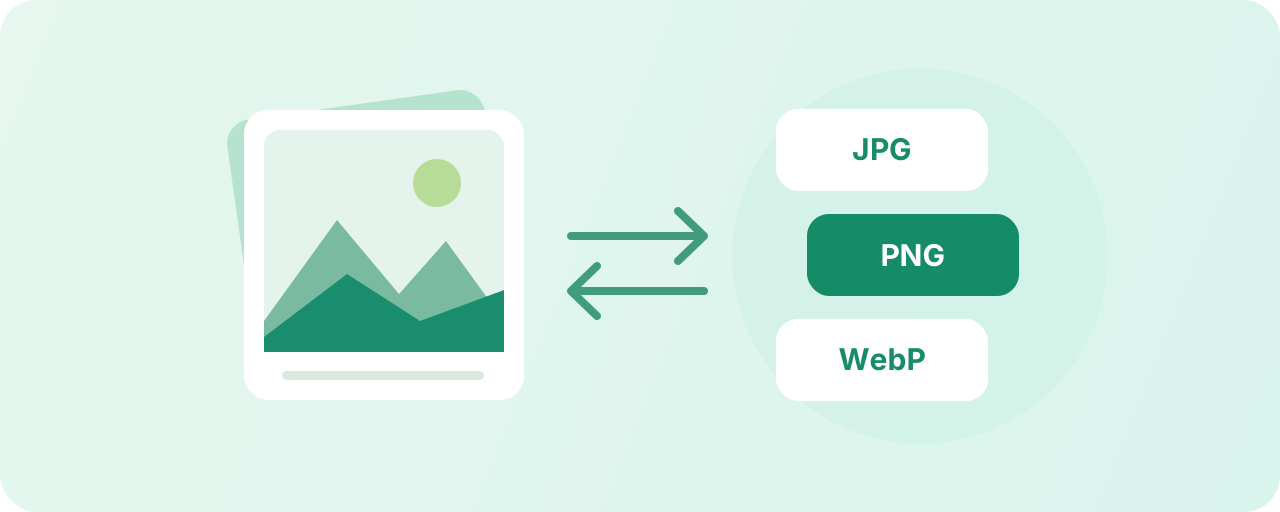
Convert images to JPG, PNG, or WebP, supporting batch processing and packaged downloads upon completion.
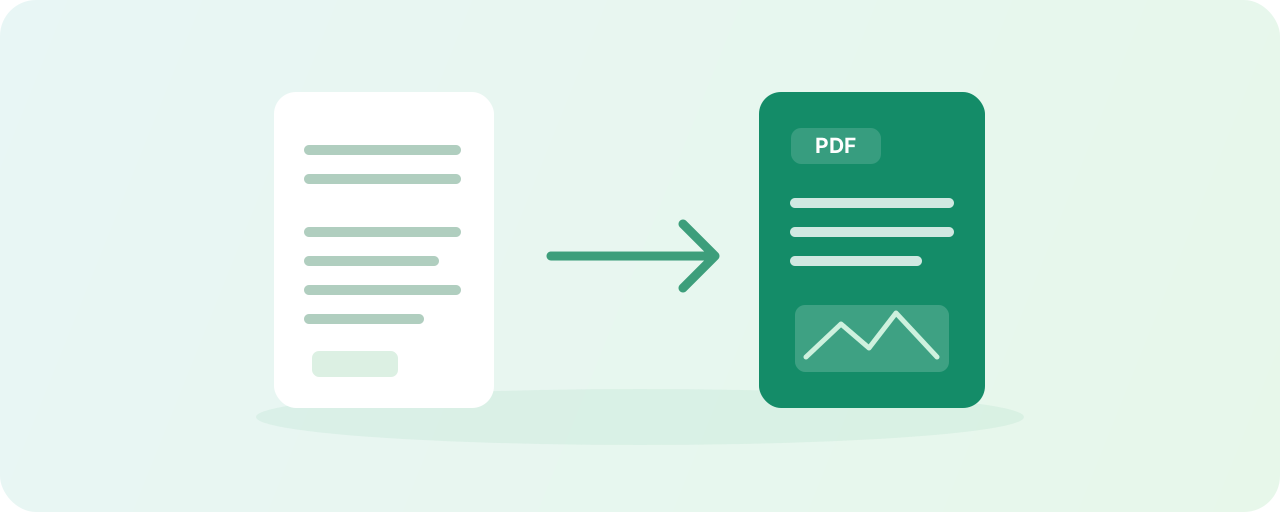
Convert Word to PDF, extract document text, convert PDF to images, or merge multiple images into a PDF.
Paste articles or import Word documents, adjust headings, paragraphs, and themes, then one-click copy to WeChat Official Account.
Reduce image file sizes, resize a batch and compare the results.
Merge PDFs, extract or split pages, and change page order and orientation.
Combine images horizontally or vertically. Adjust their order, spacing and background.
Create a QR code from text or a link, or read the content of a QR code image.
Cover private details with solid rectangles, or add text watermarks to a batch of images.
Remove extra spaces, blank lines and duplicate lines. Check the counts, then copy or download.
First identify noteworthy opportunity leads, then read real case studies’ conditions, methods, and results.
Includes regular posts and short posts from the last 30 days. Click to read summaries consistent with WeChat notifications; for full content, please view the original post.
Scan the code to enter Shengcai Youshu and view the original author's complete share.

For organized project experiences and authors' self-reported achievements, click to view the brief summary first.
I developed a WeChat mini-program using AI. The vertical industry sees daily visits, with over 800 cumulative users. As of now, there are 20 paying members, but the conversion rate remains too low. I need to rebuild the conversion funnel; however, the presence of paid subscriptions proves this model is profitable.
I developed a WeChat mini-program using AI for a vertical industry. It receives daily visits, with over 800 cumulative users and 20 members so far. Conversion rates remain low, requiring a rebuild of the conversion funnel. However, the fact that there are paying users proves this model is profitable.
Scan the code to claim a trial card and enter Shengcai Youshu to view the original author's complete case study.
Trial access is not available yet
Mobile browsing: Long-press to save the QR code, then use WeChat Scan to recognize it from your album.